MediCare Hospital
Clear, calm and one click from an appointment.
Project overview
What we built
A multi-page hospital website with department pages, a doctor directory, an appointment booking form and a contact page with a map.
- Industry
- Healthcare & Wellness
- Services
- UI/UX design, Website development
- Target users
- Patients and families looking for a department, a doctor or an appointment
- Deliverables
- Multi-page responsive website, Services and doctors pages, Appointment booking form, Contact page with map
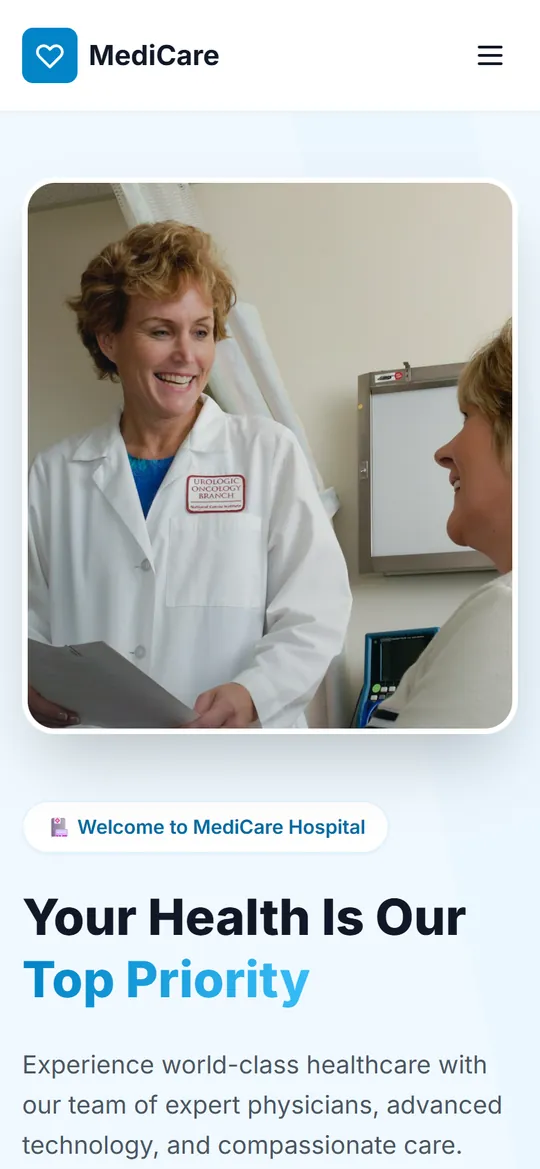
The brief
Project requirements
MediCare is a multi-specialty hospital. Patients often reach its website worried and in a hurry, so the site had to be calm and clear: what the hospital treats, who the doctors are, and how to book an appointment or call.
- Six departments, from cardiology to emergency care
- Doctor directory with specialties
- Appointment form by department and date
- Contact form and map
- Click-to-call hotline in the header
- Make booking an appointment the obvious next step
- Explain each department in plain language
- Introduce the doctors and their specialties
- Keep the hotline and contact details in reach on every page
What it does
Feature highlights
Home page
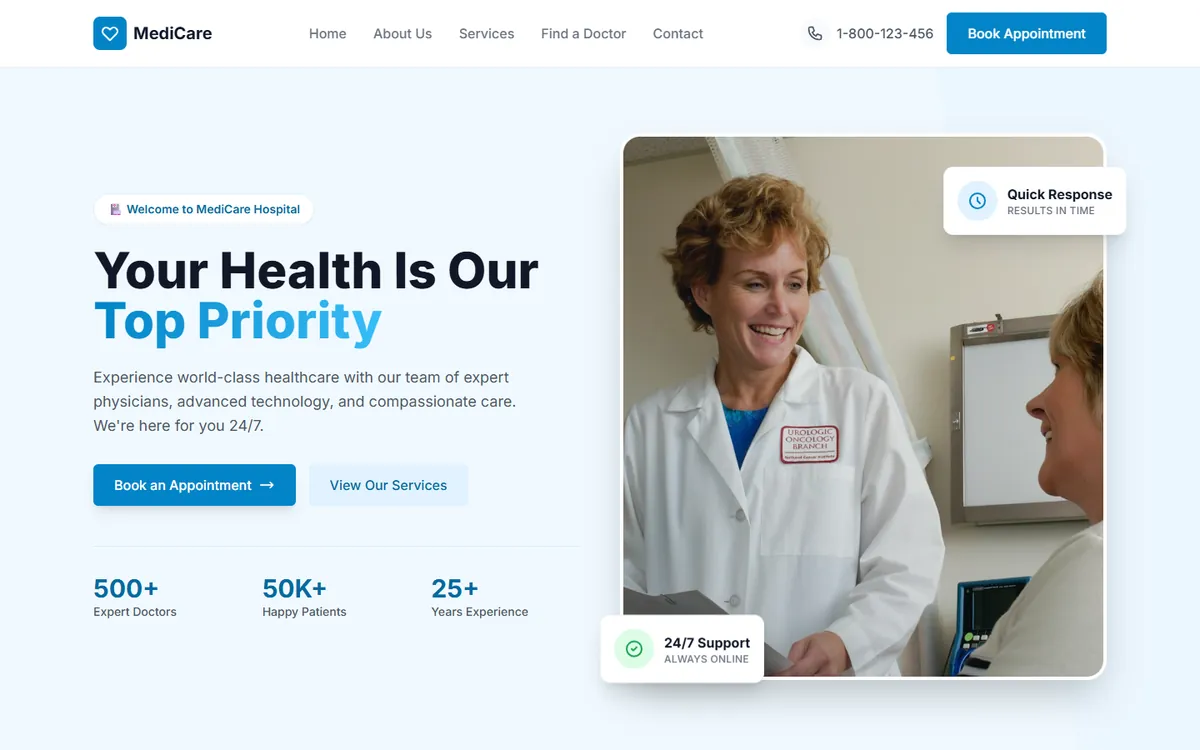
A hero with Book an Appointment and View Our Services, then the departments, why patients choose the hospital, the doctors and a final call to book.
Departments
Cardiology, neurology, laboratory, ophthalmology, pediatrics and emergency care, each with a short description.
Doctor directory
A Find a Doctor page with each physician's specialty and experience.
Appointment booking
A form for patient details, department, preferred date and the reason for the visit.
Contact
Address, a 24/7 hotline and email, a message form and a map link.
The problem
The challenges
- 01
Patients in a hurry
Visitors are often worried and want to book or call straight away.
- 02
Many departments
Departments and doctors had to be easy to find, without medical jargon.
- 03
Trust
A hospital site has to look clean, calm and professional.
Our answer
Our solution
- A Book Appointment button and a click-to-call number in the header
- Department cards in plain language
- A doctor directory with specialties
- A two-part appointment form: patient, then appointment details
- A light blue and white design with plenty of space
The product
Screenshots
Taken from the live site. Select one to open it full size.
Website screenshots
Home page with the Book an Appointment button
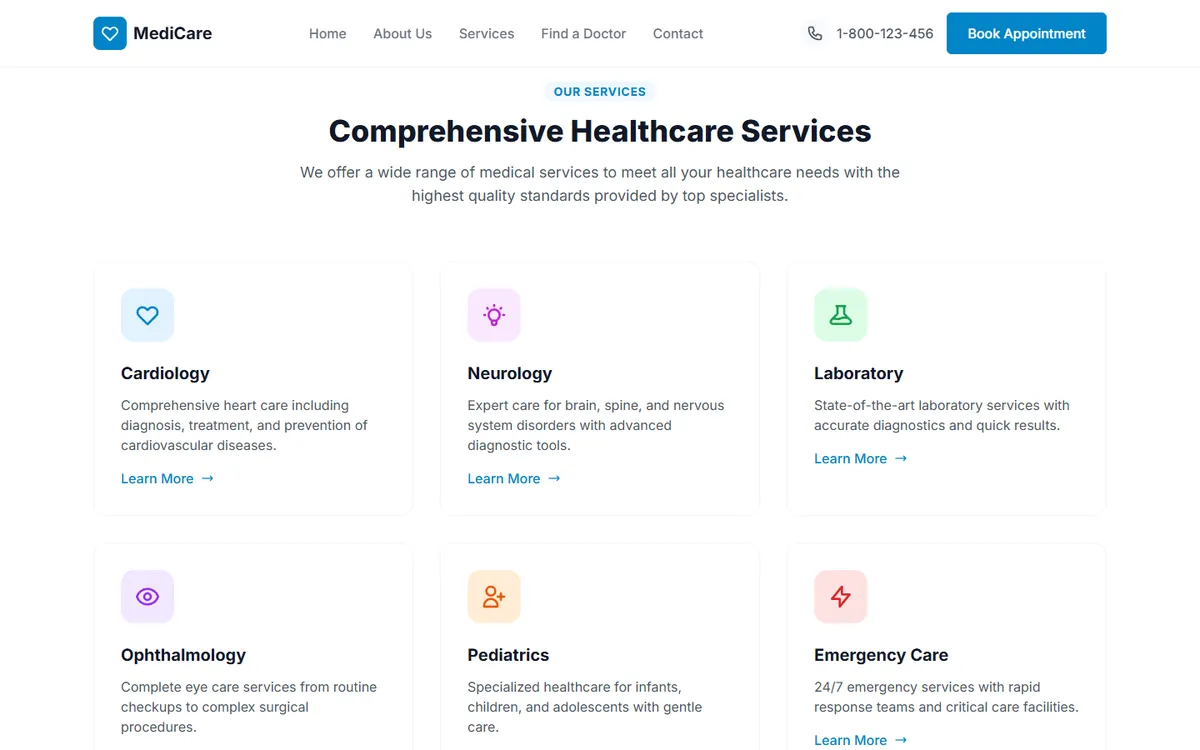
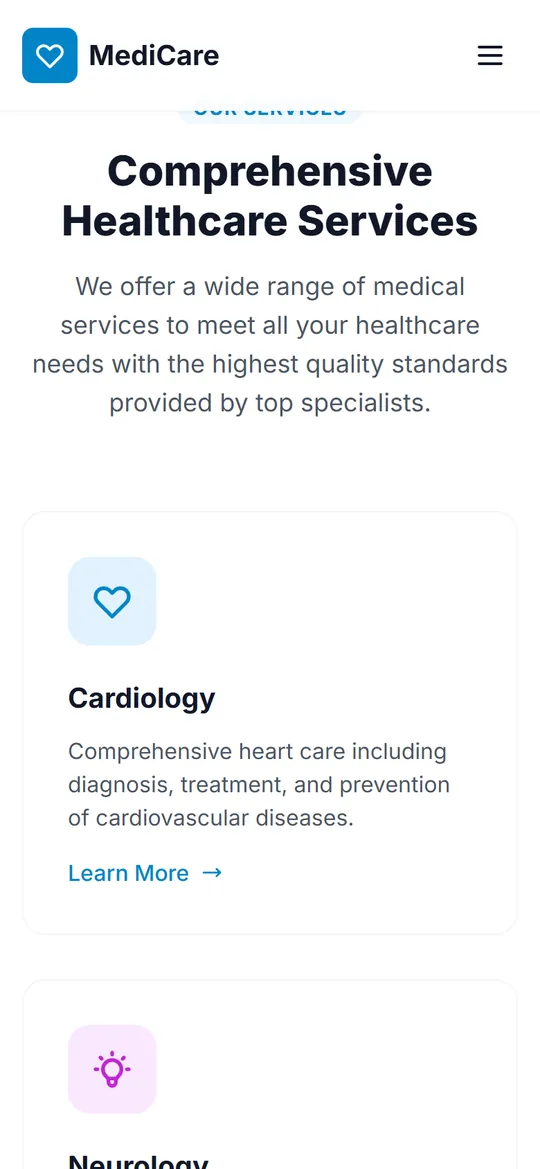
Departments from cardiology to emergency care
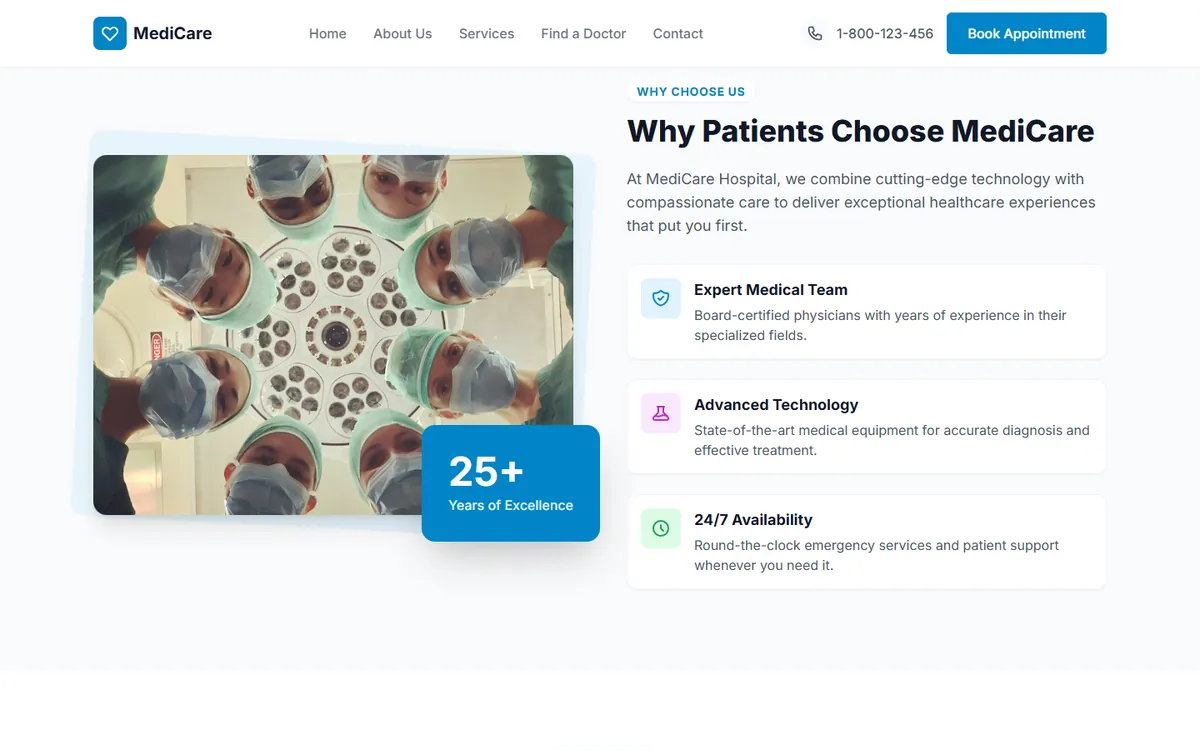
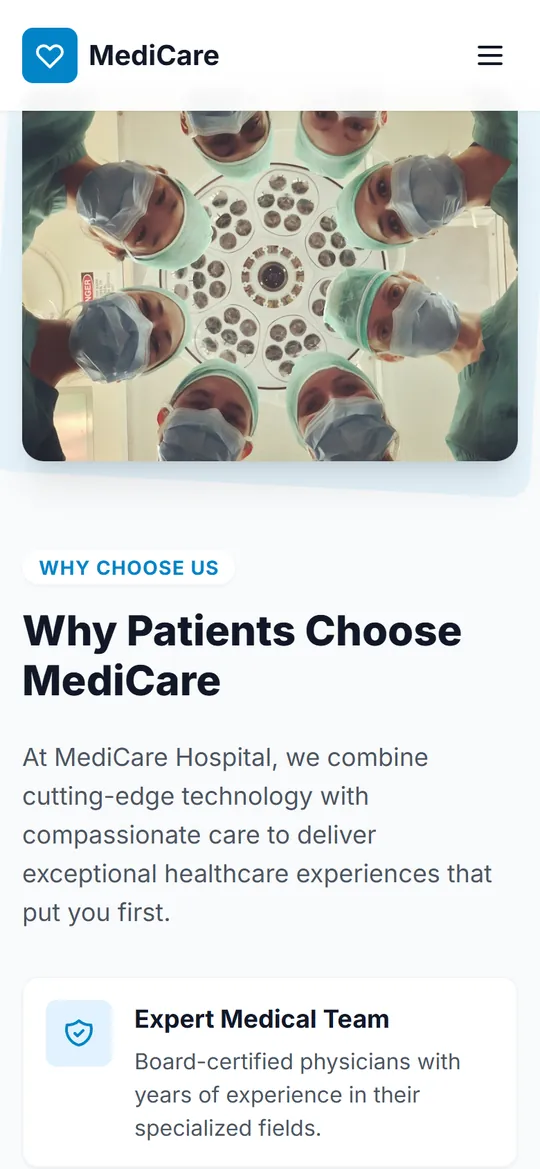
Why patients choose the hospital
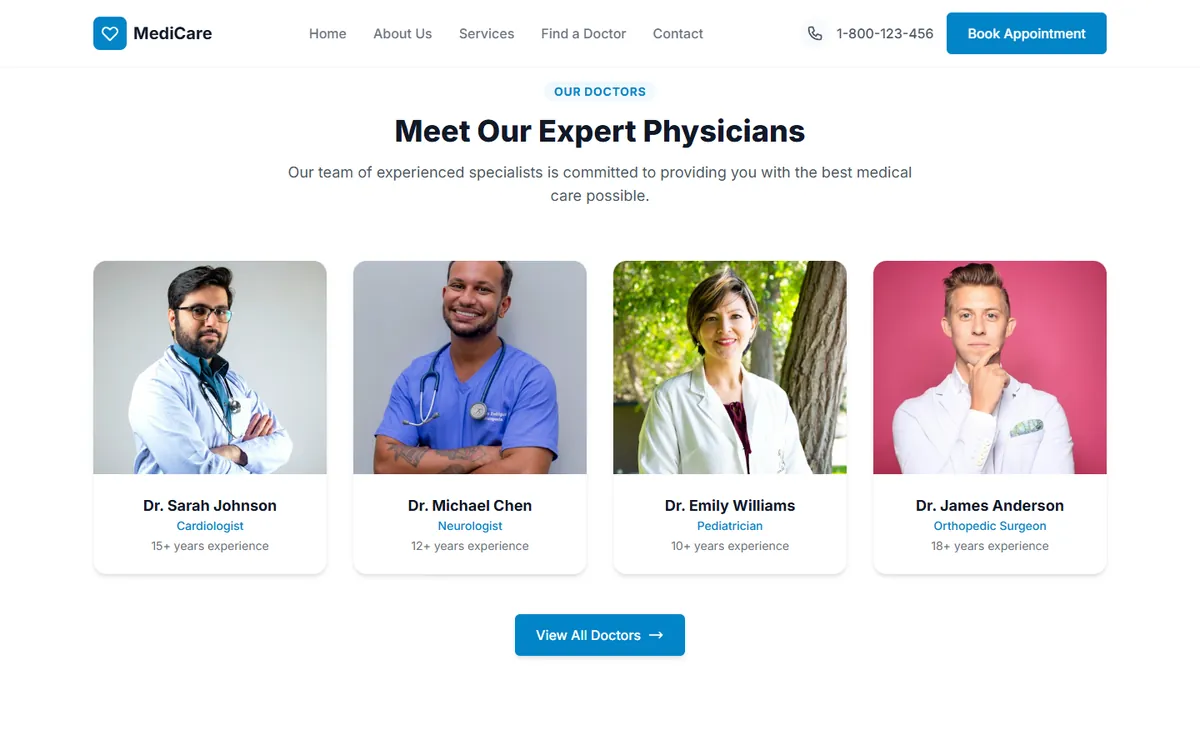
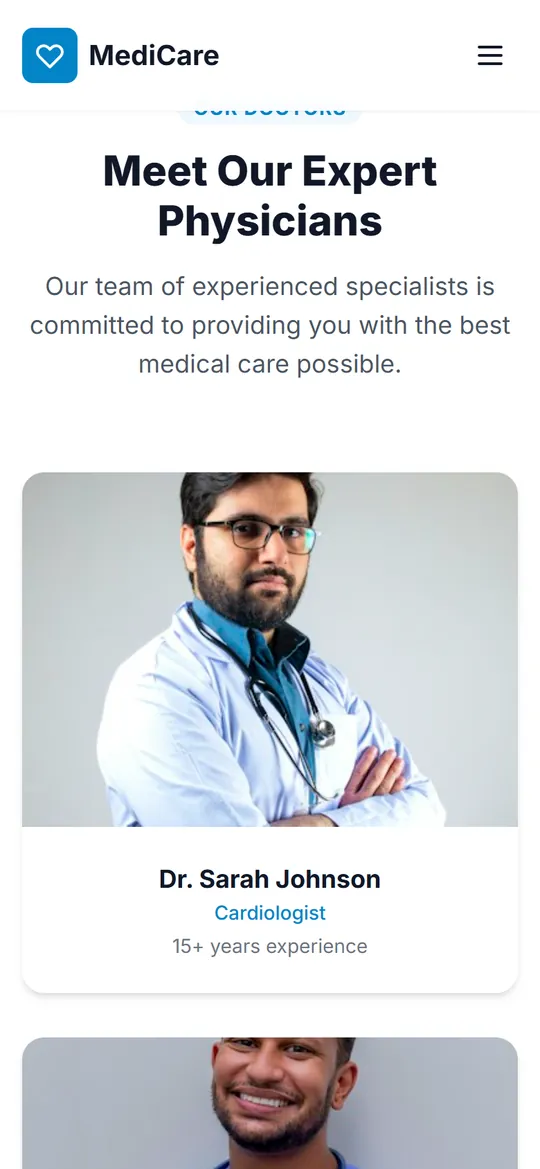
Doctors with their specialties
Mobile screenshots
Under the hood
Technologies we used
- JavaScript
- Vite
- Tailwind CSS
- Frontend:
- HTML, JavaScript
- Build:
- Vite
- Styling:
- Tailwind CSS
- Hosting:
- Netlify
How it was delivered
- 1Discovery and sitemap
- 2Page and form design
- 3Frontend build
- 4Testing on phones and desktop
- 5Launch
The result
Conclusion
Patients can see what the hospital treats, find a doctor, and book an appointment or call the hotline from any page.
Have an idea? Let's make it happen.
Tell us what you want to build on a free discovery call, or price your app first with the cost estimator.