Marketing teams want to publish quickly without waiting for developers. Developers want to build fast, modern frontends without fighting a theme system. A headless CMS promises both. It often delivers, but only when it is set up with editors in mind.
Traditional versus headless
A traditional CMS such as classic WordPress stores content and also renders the website from themes and templates. Content and presentation are tied together.
A headless CMS only stores and manages content. It exposes that content through an API, and a separate frontend, built with a framework like Next.js, or a mobile app, decides how to display it.
Why teams go headless
- Freedom on the frontend. Developers use modern frameworks, design systems and component libraries instead of theme constraints.
- Speed. Pages can be pre-rendered as static HTML and served from a CDN, then updated when content changes. That is usually much faster than building each page on request.
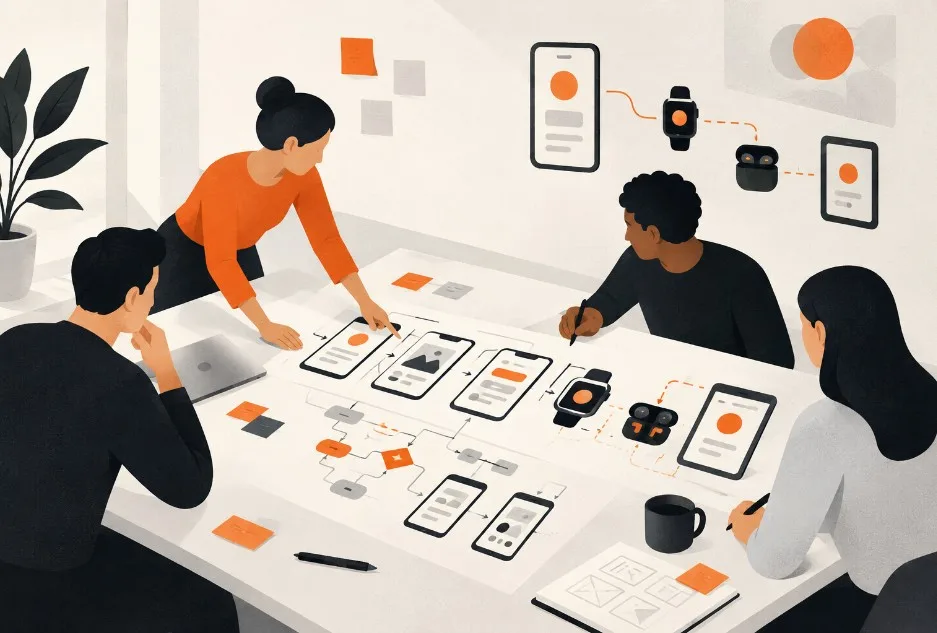
- One source, many channels. The same product descriptions or articles can feed the website, an app, email and in-store screens.
- Smaller attack surface. The public site does not expose the CMS admin or its plugins, which removes a common source of security problems.
- Structured content. Content is modelled as fields and reusable blocks, which keeps it consistent and easy to reuse.
The trade-offs nobody mentions
- Preview takes work. Editors expect to see a page before publishing. With headless, a live preview has to be built and connected.
- More moving parts. You now run a CMS, a frontend, a build or revalidation process and hosting for each.
- Editor experience depends on setup. A poorly modelled CMS with dozens of unexplained fields frustrates editors more than the old system did.
- Cost. Hosted headless CMS plans charge by users, records or API calls. Model this before you commit.
- Plugins do not come free. Forms, SEO fields and redirects that were plugins in WordPress may need to be built.
Popular options
- Sanity: flexible content modelling, a customisable editing studio and strong real-time collaboration.
- Strapi: open source and self-hostable, with an admin panel generated from your content types.
- Contentful: a mature hosted platform common in larger organisations.
- Payload: open source, written in TypeScript and able to run inside a Next.js app.
- Headless WordPress: keep the familiar WordPress editor and serve content through its REST API or GraphQL to a separate frontend.
Model content for editors
Good content modelling is the difference between a CMS people love and one they avoid:
- Start from the pages and components, not the database. What blocks does a landing page use? Hero, feature grid, testimonials, FAQ, call to action.
- Make blocks reusable with clear names and help text.
- Validate fields. Character limits for titles and descriptions, required alt text for images, allowed link types.
- Separate content from layout. Editors choose which blocks appear and in what order; developers control how they look.
- Set roles and workflows. Writers draft, editors review, and only some people publish.
Preview and publishing
- Use your framework's draft or preview mode so editors see unpublished changes on the real design.
- Trigger a webhook on publish that revalidates or rebuilds only the affected pages.
- Keep SEO fields (title, description, social image) next to the content they describe.
- Store redirects in the CMS so marketers can fix links without a deploy.
Migrating without breaking marketing
- Audit existing content. Remove what is outdated before moving it.
- Map old URLs to new ones and set up 301 redirects to protect search rankings.
- Migrate with scripts, not copy-paste, and spot-check the results.
- Train editors with a short guide built around their real tasks.
- Run both systems briefly, then switch over and freeze the old one.
When you do not need headless
A five-page brochure site that changes twice a year does not need a separate CMS. A simple admin panel for editing a few sections, or even updates handled by your developer, may cost less and work just as well. Headless pays off when content changes often, appears in several places or is created by a team.
Done well, a headless CMS gives marketers independence and developers freedom, and visitors get a faster site. The key is designing it around the people who will use it every day.